

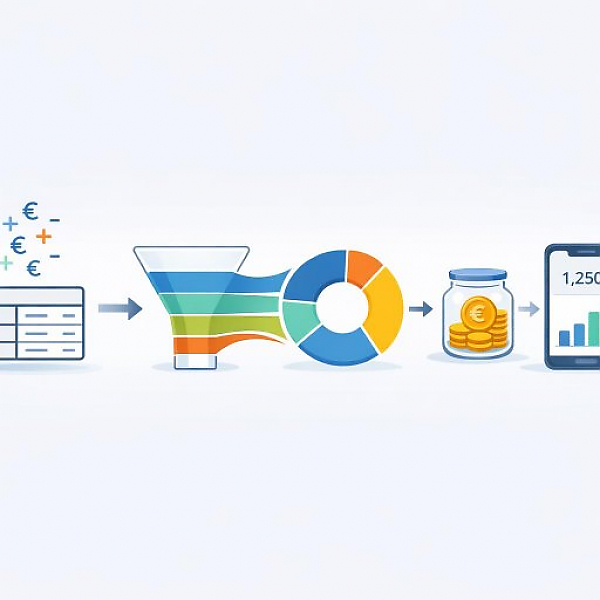
A digital budget tracker is a simple overview of all income and expenses in an app or spreadsheet. Each transaction gets a date, an amount, and a category (for example, Housing or Groceries). This way, at the end of the month you can see exactly what your money was spent on and how much you have left.
The table below shows a simple example month. You’ll see typical columns for a budget tracker and, below that, a category summary.
| Date | Category | Description | Payment account | Amount (EUR) | Note |
|---|---|---|---|---|---|
| 05/01 | Income | Salary | Checking account | +2,000.00 | fixed, monthly |
| 05/02 | Housing | Rent | Checking account | -800.00 | recurring |
| 05/03 | Transportation | Monthly bus/train pass | Checking account | -80.00 | recurring |
| 05/04 | Groceries | Grocery store purchase | Credit card | -65.30 | weekly shopping |
| 05/07 | Leisure | Movie night | Credit card | -24.00 | with friends |
| 05/10 | Miscellaneous | Birthday gift | Checking account | -30.00 | family |
| 05/12 | Groceries | Bakery and drugstore | Cash | -22.40 | small purchases |
| 05/15 | Leisure | Streaming subscription | Checking account | -9.99 | recurring |
| 05/22 | Transportation | Gas | Credit card | -55.00 | car |
| 05/28 | Groceries | Grocery store purchase | Credit card | -71.80 | weekly shopping |
| Monthly summary by category (example) | |||||
| Total income | +2,000.00 EUR | ||||
| Housing (fixed expense) | -800.00 EUR | ||||
| Transportation (partly fixed) | -135.00 EUR (80.00 pass + 55.00 gas) | ||||
| Groceries (flexible expense) | -159.50 EUR | ||||
| Leisure (flexible expense) | -33.99 EUR | ||||
| Miscellaneous (flexible expense) | -30.00 EUR | ||||
| Surplus / remaining balance | +840.51 EUR | ||||
| Simple monthly takeaway (example) | Groceries are on track, leisure is rather low. The remaining balance could be allocated to a savings goal. | ||||
Before you begin with your first entries, set up the structure. This takes just a few minutes and keeps your budget tracker easy to read.
Key terms
1.1 Define income sources
1.2 Set your main spending groups
In an app like MyMicroBalance, you create these categories once. In a spreadsheet, you later enter the categories in the “Category” column.
1.3 Define payment accounts
The most important part of a budget tracker is entering transactions consistently. Goal: Every expense and every income item gets an entry.
2.1 What data every transaction needs
2.2 Daily or weekly routine
2.3 Mark recurring payments
At the end of the month, you create a simple snapshot. You don’t need complicated financial knowledge for this. It’s enough to compare totals.
3.1 Add up categories
3.2 Roughly compare fixed vs. flexible expenses
3.3 Spot deviations from your own plan
After the first or second month, you’ll see patterns. Now you make your budget tracker more precise—but not more complicated.
4.1 Refine categories
4.2 Simple budget limits per main category
4.3 Look back after a few months
A digital budget tracker shows you where your money goes each month. With a few categories, a clear table, and a short monthly summary, you have a solid foundation for better day-to-day decisions. You don’t have to be a finance expert. What matters is that you maintain your entries regularly and take a few minutes once a month to review the big picture.





 1
1 2
2 3
3 4
4

