09. January 2025 | How-Tow, Product Updates

MyMicroBalance Update 4.1.1

MyMicroBalance Update 4.1.1

The new MyMicroBalance version 4.1.1 includes the following important improvements.<\/p>

 <\/p>

Upgrade from TLS 1.0 to TLS 1.2 to improve security<\/strong><\/p>

Microsoft has officially discontinued support for the TLS 1.0 and TLS 1.1 transport protocols. This was done for security reasons, as these protocols are considered outdated and vulnerable to modern attacks such as man-in-the-middle. The deprecation was part of the initiative to promote more secure protocols such as TLS 1.2<\/strong> or TLS 1.3<\/strong>, which offer stronger encryption and better protection mechanisms.<\/p>

Older versions of MyMicroBalance are also affected by this deprecation. The latest version uses the recommended TLS protocols, thereby increasing security when synchronizing your data between PC and cloud. Updating to 4.1.1 is therefore not only recommended but mandatory in order to continue using synchronization securely.<\/p>

You can find more information on the official Microsoft website<\/a>.<\/p>

 <\/p>

Improvement to the VIP charts<\/strong><\/p>

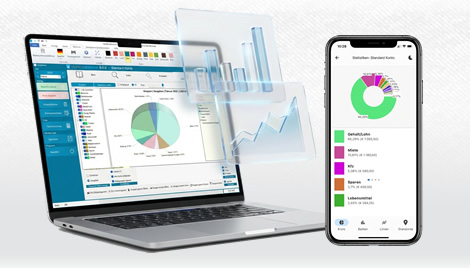
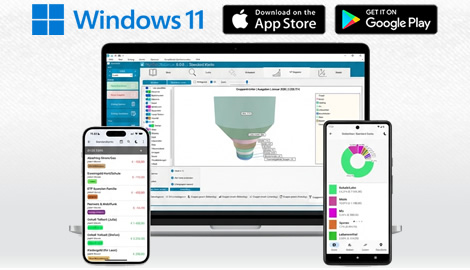
Not only security, but functionality has also been improved in the new version. The charts and graphics have not only been slightly optimized to increase readability, but the charts now include important additional information such as month, year, and totals for income, expenses, or the balance. That way, even after printing, you can still see exactly which month or year the graphics were created for. <\/p>

 <\/p>

Optimized loading speed for larger files<\/strong><\/p>

The more entries are made, the larger the data file naturally becomes. To make loading faster even with larger files, numerous optimizations have been implemented to speed up loading and keep the user experience pleasant even with larger amounts of data.<\/p>

 <\/p>

Click here to download the latest version.<\/a><\/p>

 <\/p>

Download the Budget Tracker MyMicroBalance for Windows, Android or iOS