

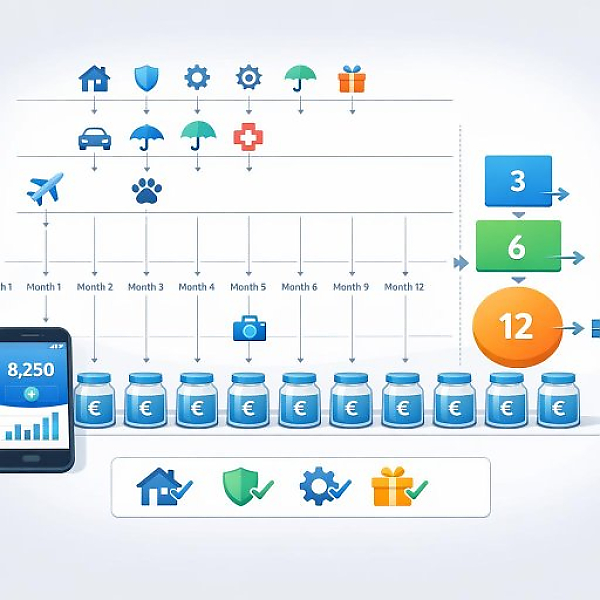
A time-based spending plan categorizes your expenses by how often they occur (for example monthly, quarterly, yearly, or irregularly). This way, in your digital budget book you can assign each payment to a time interval and plan the right monthly amount for your budget.
In the table below, you’ll find typical expense categories organized by time interval. The examples help you classify your own payments. The monthly amount is a simple conversion: you divide the total amount by the number of months.
| Time interval | Typical expense category | Example payment | Calculation | Planned monthly amount |
|---|---|---|---|---|
| Monthly | Housing | Rent: 900 € per month | 900 € ÷ 1 month | 900 € per month |
| Monthly | Subscriptions & memberships | Streaming subscription: 12 € per month | 12 € ÷ 1 month | 12 € per month |
| Quarterly (every 3 months) | Energy | Electricity installment: 210 € per quarter | 210 € ÷ 3 months | 70 € per month |
| Semiannually (every 6 months) | Health | Dental cleaning: 120 € semiannually | 120 € ÷ 6 months | 20 € per month |
| Yearly | Insurance | Car insurance: 600 € per year | 600 € ÷ 12 months | 50 € per month |
| Yearly | Taxes & fees | Vehicle tax: 240 € per year | 240 € ÷ 12 months | 20 € per month |
| Irregular | Repairs & maintenance | Car repair: 600 € (estimated per year) | 600 € ÷ 12 months | 50 € per month (reserve) |
| Irregular | Vacation & gifts | Vacation & gifts: 1.200 € per year | 1.200 € ÷ 12 months | 100 € per month (reserve) |
A time-based spending plan helps you spread your money evenly throughout the year. Big bills won’t catch you off guard anymore. You simply set aside an appropriate amount each month.
In the first step, get a complete overview of your expenses. A simple list is enough.
Also add estimated irregular expenses. These include, for example:
Now assign each expense to a clear time interval. This creates your actual time-based spending plan.
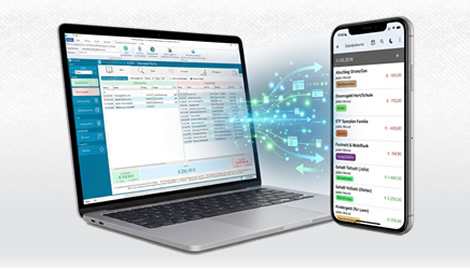
Add this assignment to your list. In MyMicroBalance, you can use custom categories or notes for the time interval.
To keep your budget book easy to understand, convert all amounts to a monthly value. This gives you a steady plan.
Then enter the monthly values as fixed budget lines in your digital budget book. In MyMicroBalance, for example, you can store a planned monthly amount per category.
Now transfer your time-based spending plan into your digital budget book.
When the actual payment becomes due, record the full amount in the appropriate category. Ideally, you’ll have set aside enough over the previous months.
A time-based spending plan is not a static document. It evolves with your financial situation.
In MyMicroBalance, you can quickly see which categories are on plan and which aren’t. This helps you continuously improve your time-based spending plan.
With this clear structure, you can see early which payments are coming up. A time-based spending plan keeps your budget book organized and helps you avoid financial bottlenecks.

 1
1 2
2 3
3 4
4

