

To get detailed help please click on one of the following topics. You can also scroll though the list to find new features and learn more about the budget planning tool MyMicroBalance.
First Steps
Analysis
Main User Interface
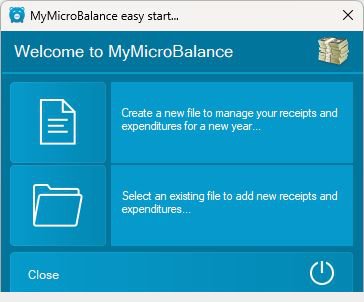
A new balance creates a separate MyMicroBalance file for your budget. The file stores your income, expenditures, accounts, categories, and settings and uses the file extension .mmb.
A balance file can contain multiple accounts and data from more than one year. You can move the file to another computer and create your own backup copies, for example on an external drive.

In the next step, choose whether you want to protect the balance file with a password. Yes (recommended) is selected by default. Select No if you do not want to use a password.


A new balance starts at 0.00. If you want to begin with an existing account balance, record the opening balance as the first income or expenditure. This ensures that the balance in MyMicroBalance matches your actual starting amount.
Alternatively, open the Account menu and use the Opening Balance function to enter the starting amount and align the balance with a bank account.






 1
1 2
2 3
3 4
4