

To get detailed help please click on one of the following topics. You can also scroll though the list to find new features and learn more about the budget planning tool MyMicroBalance.
First Steps
Analysis
Main User Interface
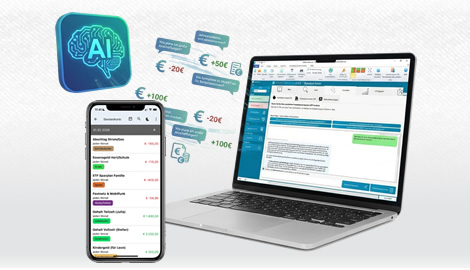
The AI Assistant in MyMicroBalance helps you with questions about using the software, analyzing your receipts and expenditures, and managing a household budget.

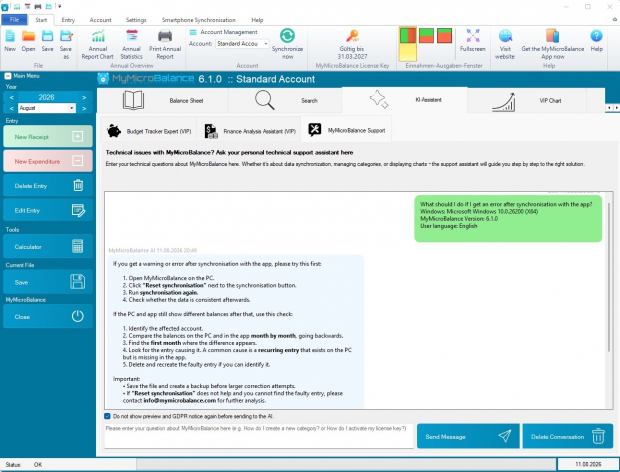
The Support Assistant answers questions about the desktop version, for example about installation, setup, CSV import, backups, synchronization, categories, charts, or common technical issues. It works on the basis of the official MyMicroBalance help documentation.
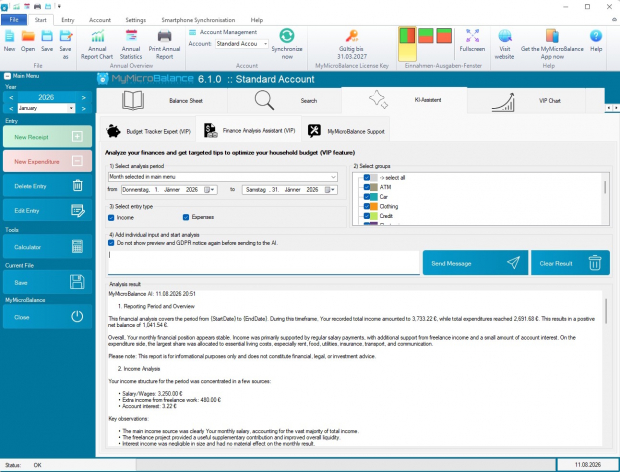
The Financial Analysis Assistant creates text-based analyses of your receipts and expenditures. It provides information about patterns, unusual values, potential savings, and possible next steps.
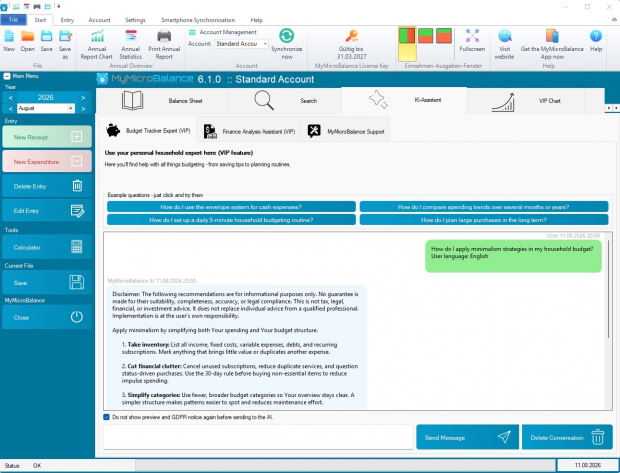
The Household Budget Expert answers general questions about keeping a household budget, methods such as the 50/30/20 rule, savings goals, and how to structure your finances more effectively.
In the free version, you can submit a limited number of requests to the Support Assistant. A VIP license key for the PC provides access to additional requests and analysis features.
When an assistant creates a financial analysis, make sure you select the appropriate period, the correct account, and the desired focus. The more precise your selection, the more useful the answer will be.
AI answers can help you understand your data. Nevertheless, review important decisions yourself and use the analyses as guidance rather than binding financial advice.

 1
1 2
2 3
3 4
4