

To get detailed help please click on one of the following topics. You can also scroll though the list to find new features and learn more about the budget planning tool MyMicroBalance.
First Steps
Analysis
Main User Interface
VIP Inline Edit lets you edit certain values directly in the Balance view without opening the complete entry window each time. This saves time when you need to correct or rename several entries one after another.
This feature is available with a VIP license key.
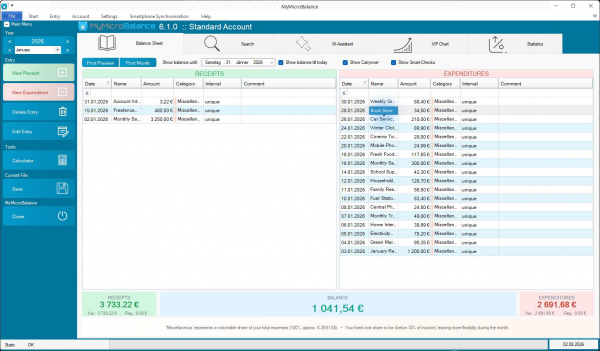
Inline Edit is particularly useful for quick corrections to the name, amount, or category. To review additional details such as the date, comment, reference, interval, or recurring entry settings, open the entry with Edit Entry.




 1
1 2
2 3
3 4
4