

To get detailed help please click on one of the following topics. You can also scroll though the list to find new features and learn more about the budget planning tool MyMicroBalance.
First Steps
Analysis
Main User Interface
If you use many columns, long entry descriptions, or multiple categories, the Balance view can quickly require more space. The VIP feature More Space, Better Overview lets you adjust the layout so that receipts and expenditures remain easier to read.
This feature is especially useful if you have added custom balance columns and still want to see the complete row for an entry. Depending on your screen and working style, you can switch between different horizontal and vertical layouts.
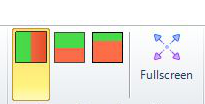
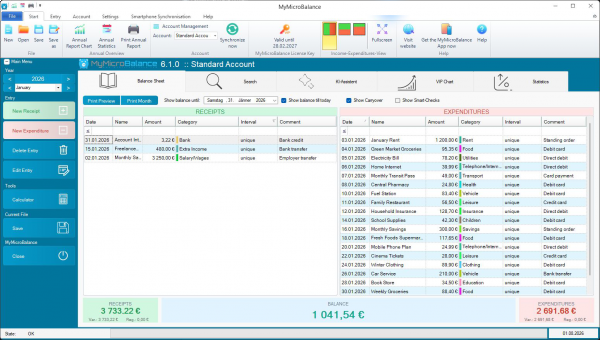
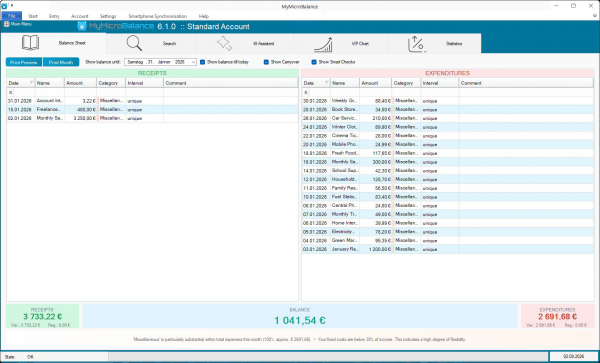
If you also place frequently used commands on the Quick Access Toolbar and minimize the ribbon, even more screen space becomes available for your entries. For details, see VIP Quick Access Toolbar.
The selected layout is stored in your MyMicroBalance file. If you use multiple files, each file can have its own layout.


 1
1 2
2 3
3 4
4