

To get detailed help please click on one of the following topics. You can also scroll though the list to find new features and learn more about the budget planning tool MyMicroBalance.
First Steps
Analysis
Main User Interface
If you have purchased a MyMicroBalance VIP license key, activate it directly in the desktop version. The unlocked VIP features will then be available in MyMicroBalance.
After your purchase, you will receive an email with the license key attached as a text file. Save this file in a place where you can easily find it again, such as your desktop or Documents folder.
Important: Do not type the license key from a printed sheet. The key is very long and should be loaded from the supplied text file.
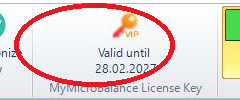
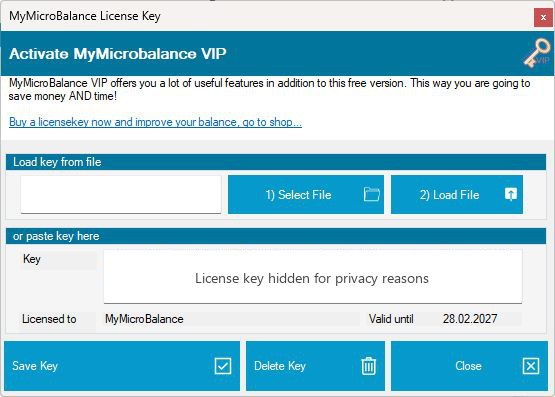
Save and close MyMicroBalance after successful activation. The license key will be active the next time you start the program, and the VIP features will be available.
If you can no longer find your license key file, contact the MyMicroBalance Support Team. The key can be sent to you again if the license can be assigned to you.

 1
1 2
2 3
3 4
4