

To get detailed help please click on one of the following topics. You can also scroll though the list to find new features and learn more about the budget planning tool MyMicroBalance.
First Steps
Analysis
Main User Interface
MyMicroBalance stores your income, expenditures, accounts, categories, and settings in the currently open balance file.
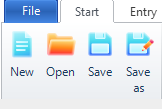
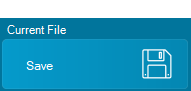
You can also select Save under Current File in the menu on the left.
Use Save As to create a copy or a new version of your balance file. Select a storage location and file name in the Windows dialog, and then select Save.
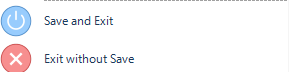
When you exit MyMicroBalance normally, the currently open balance file is saved automatically. If you do not want to keep the latest changes, select File and then Exit without Save.

 1
1 2
2 3
3 4
4