

To get detailed help please click on one of the following topics. You can also scroll though the list to find new features and learn more about the budget planning tool MyMicroBalance.
First Steps
Analysis
Main User Interface
After starting MyMicroBalance, use the MyMicroBalance easy start... window to create a new balance file or open an existing one. This takes you directly to your budget planner so that you can continue recording income and expenditures.
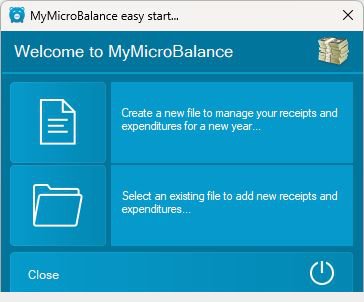
Select the upper tile if you want to create a balance file for a new household or a new set of budget data. For detailed instructions, see Create New File.
Select the lower tile if you want to continue working with a balance file that you have already saved. For detailed instructions, see Open File.
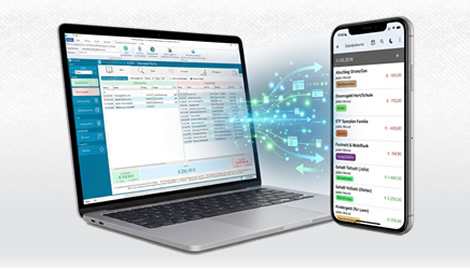
After creating or opening a balance file, continue working in the MyMicroBalance main window. Here you can record income and expenditures, manage accounts, and save your budget data.

 1
1 2
2 3
3 4
4